Pantrii

AR Shopping Experience

Pantrii is a mobile app that uses augmented reality (AR) to guide users directly to the items they are looking for inside physical grocery stores. Users use their phone camera and follow arrows on the screen, similar to Google Maps, to reach their item faster. This helps reduce frustration and saves time. This project was created to explore how AR can improve online shopping by making it more intuitive, engaging, and realistic, while reducing decision fatigue and uncertainty about products.
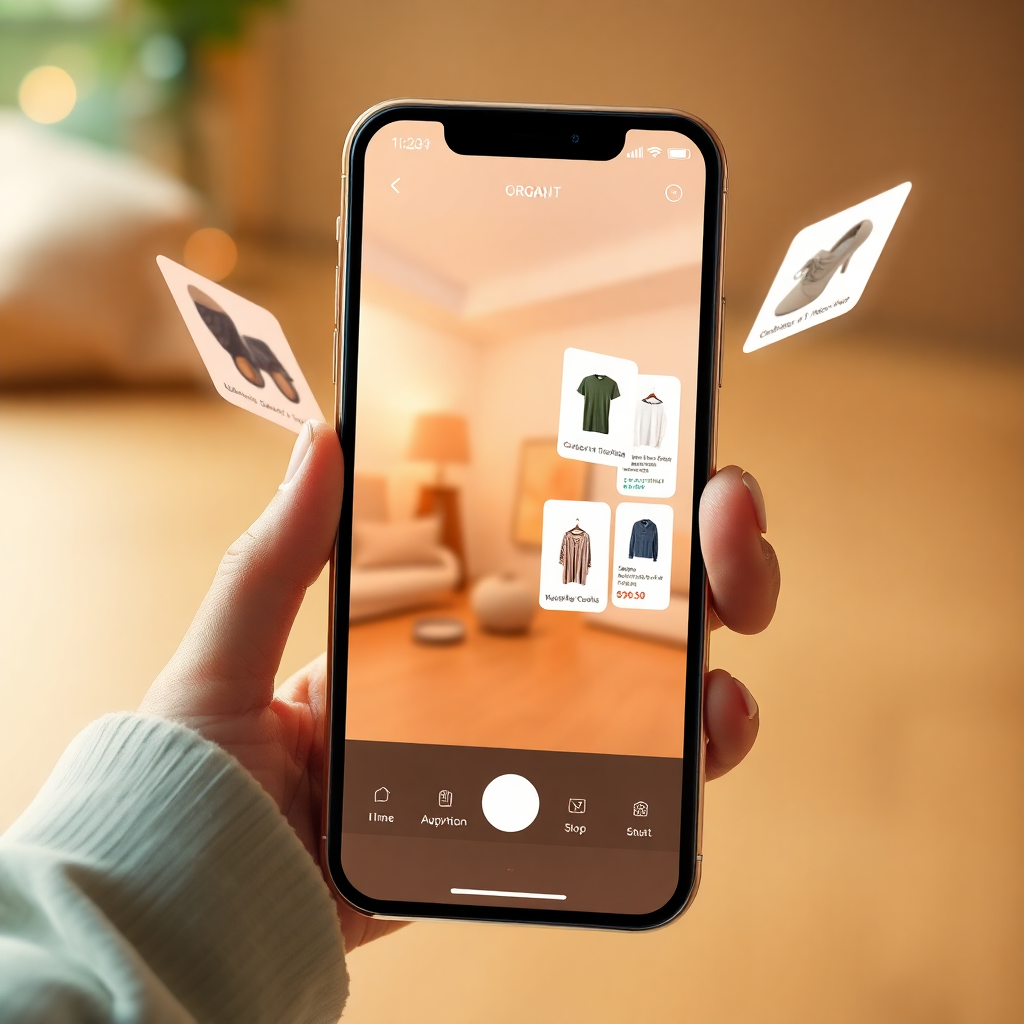

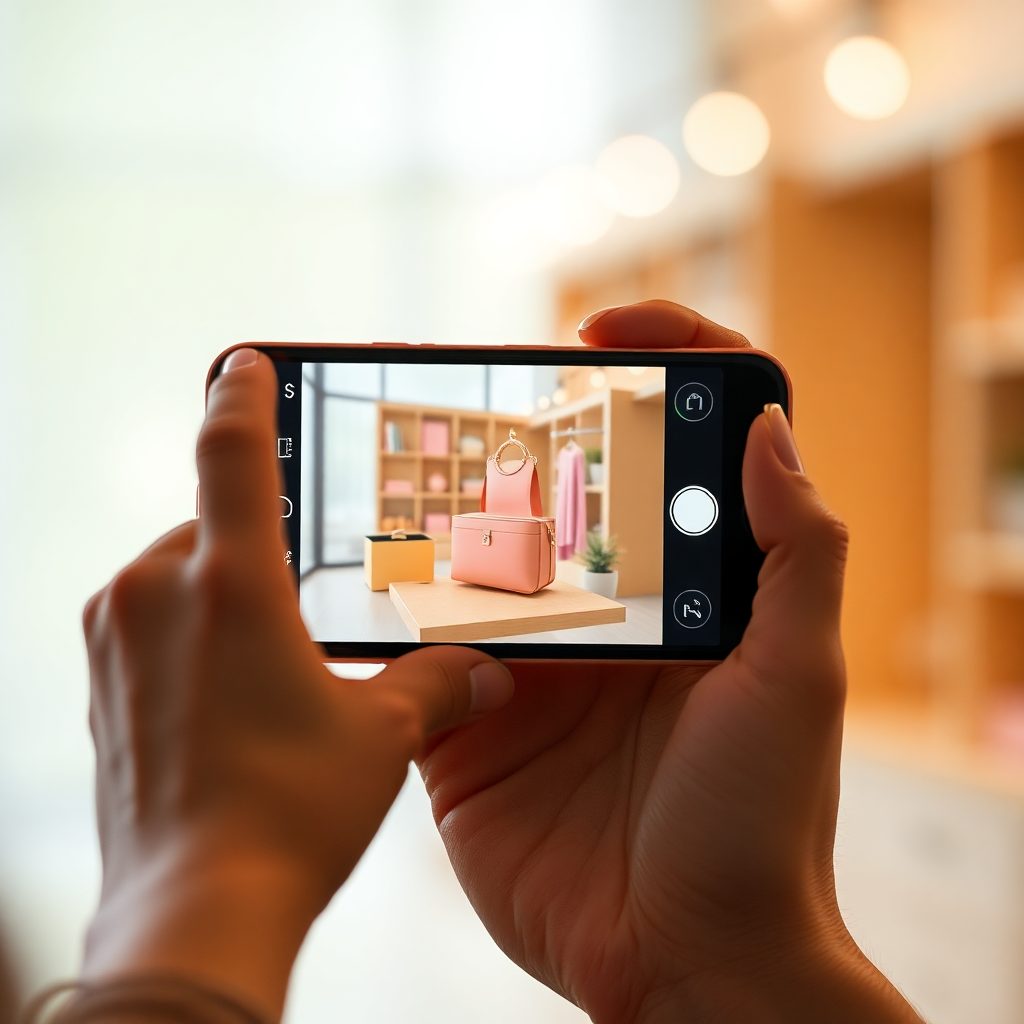
Mobile app interface showing augmented reality shopping view with organic natural soft UI elements, warm lighting, floating product cards

Project Type

Conceptual Product Design, AR Interface, E-commerce

Platform

iOS Mobile Application, Augmented Reality (ARKit)

Goal

Bridge the tactile gap in digital retail through spatial computing.

Focus

Human-centered interactions, organic UI, emotional connection.

Problem Statement

Online grocery shopping lacks physical interaction. Users cannot see products in context, judge size accurately, or enjoy the browsing experience. This often leads to: • Uncertainty about product choice. • Lower engagement. • Lack of emotional connection. • Increased decision fatigue. There is an opportunity to use AR to recreate the in-store experience remotely.

Cinematic soft focus photography of a hand interacting with floating augmented reality elements in a warm natural lit room, organic shapes, soft edges
The Target Audience

Target Users

Primary users

• Students aged 16–25 familiar with technology
• Busy professionals

Secondary users

• People who are always on the go
• Users who enjoy immersive experiences

Person holding smartphone using AR shopping app, soft natural lighting, warm aesthetic, showing a 3D product floating in real space
The Goals

Project Goals

Design an immersive AR grocery shopping experience

Improve user confidence in product selection

Make shopping more engaging and intuitive

Reduce cognitive load compared to traditional apps

Create accessible navigation in AR

User Research

Research methods:
• Interviews with 6 students
• Online survey with 18 participants
• Competitive analysis of Instacart, Amazon, and AR retail experiments
• Users want simple navigation and fast checkout

83%

said online grocery shopping feels boring

72%

said they wish they could see products better

61%

said AR would make shopping more interesting

User Personas

Persona 1: Sarah, 18
• Student • Shops online weekly • Wants faster and easier shopping

Persona 2: David, 24
• Busy professional • Uses technology frequently • Interested in VR experiences

Person holding smartphone using AR shopping app, soft natural lighting, warm aesthetic, showing a 3D product floating in real space
The Solution

Bringing Products into Your Space

Users navigate everything using their phone. This makes the experience more interactive while still being easy to access.
Pantrii AR allows users to:

Use their phone camera to view products in AR

Interact with products

View product information

Add items to cart

Checkout easily

Key Features

Intuitive AR Discovery

Instead of rigid search bars, users can pan their device to discover curated products placed contextually in their environment, mimicking the serendipity of window shopping.

  • Contextual placement
  • Spatial browsing
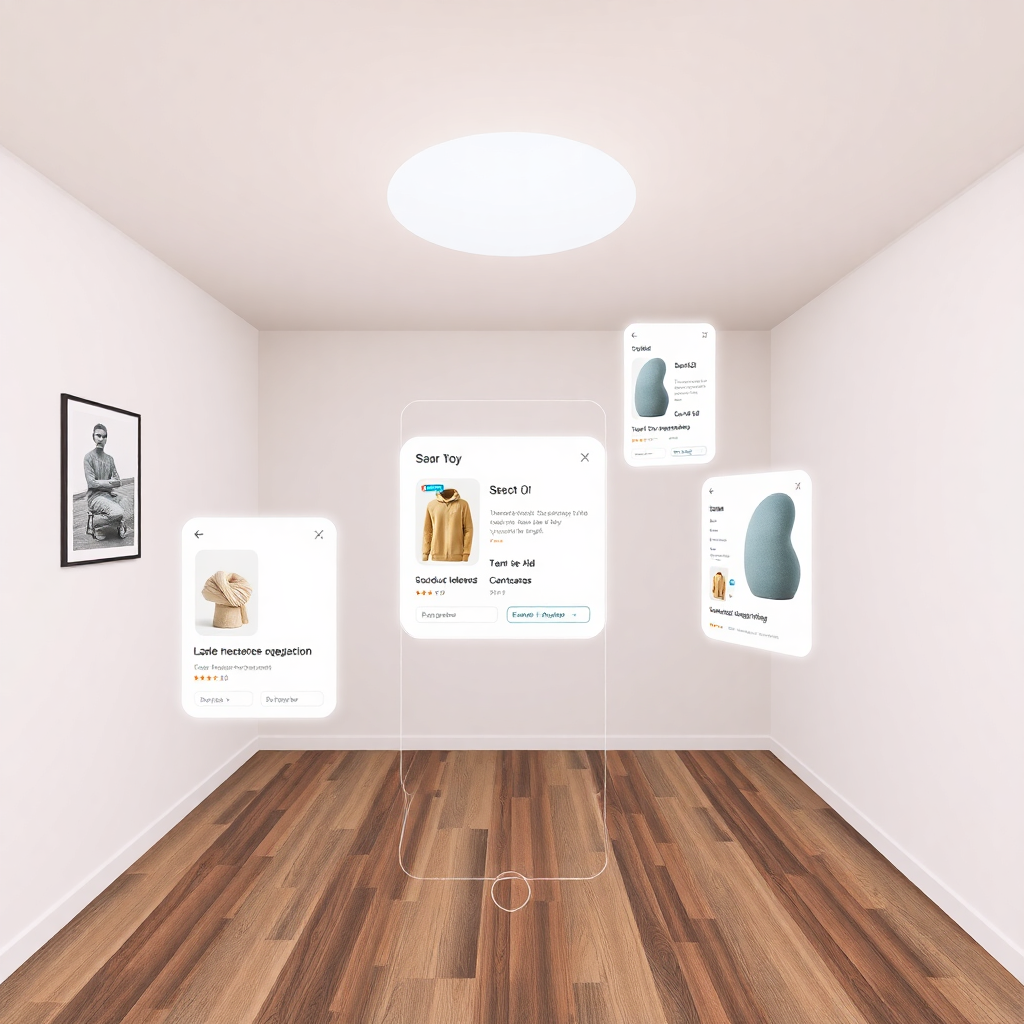
UI mockup of AR discovery feature, scanning room, floating soft UI cards with product information
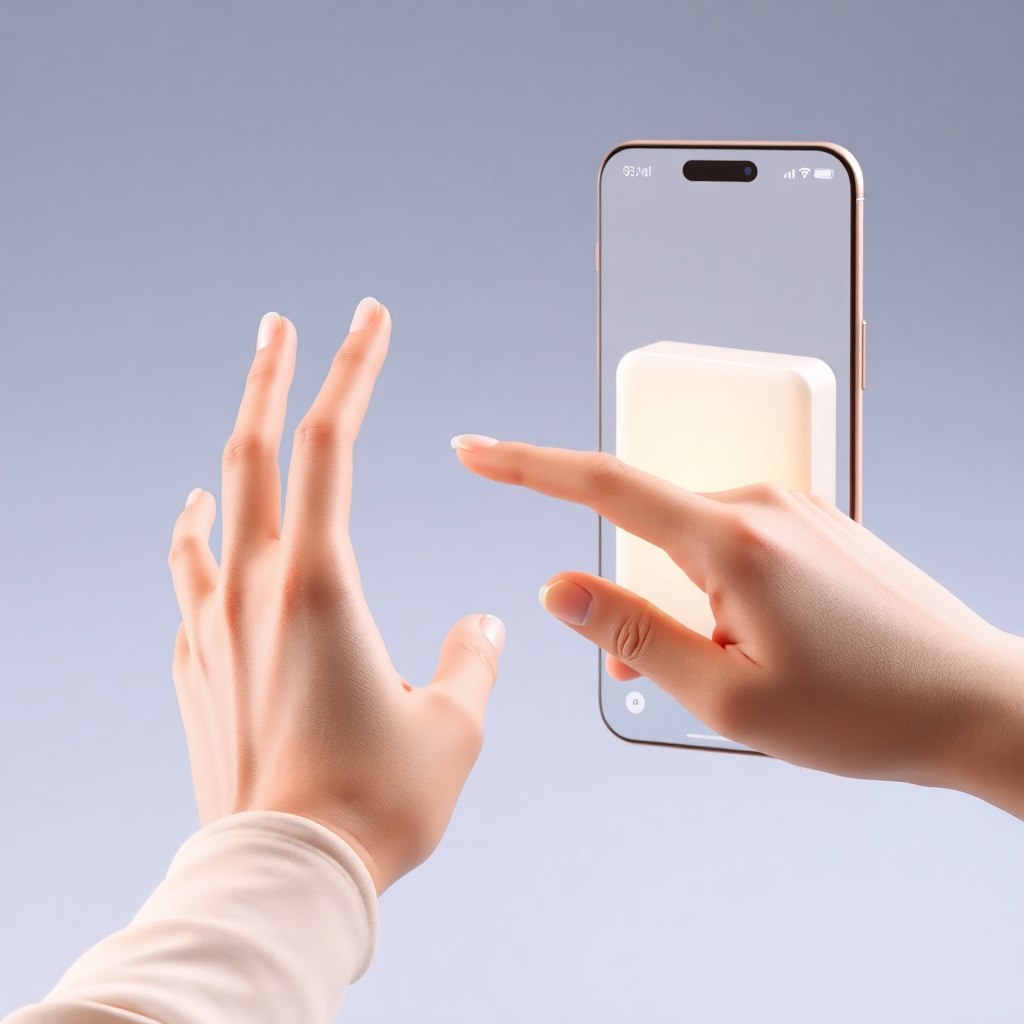
UI mockup showing hand gesture interaction with 3D product model, soft warm interface elements

Natural Product Interaction

Interact with digital items using natural hand gestures. Rotate, open, and inspect products just as you would if you were holding them.

  • Gesture recognition
  • Physics-based interactions

Human-Friendly Checkout

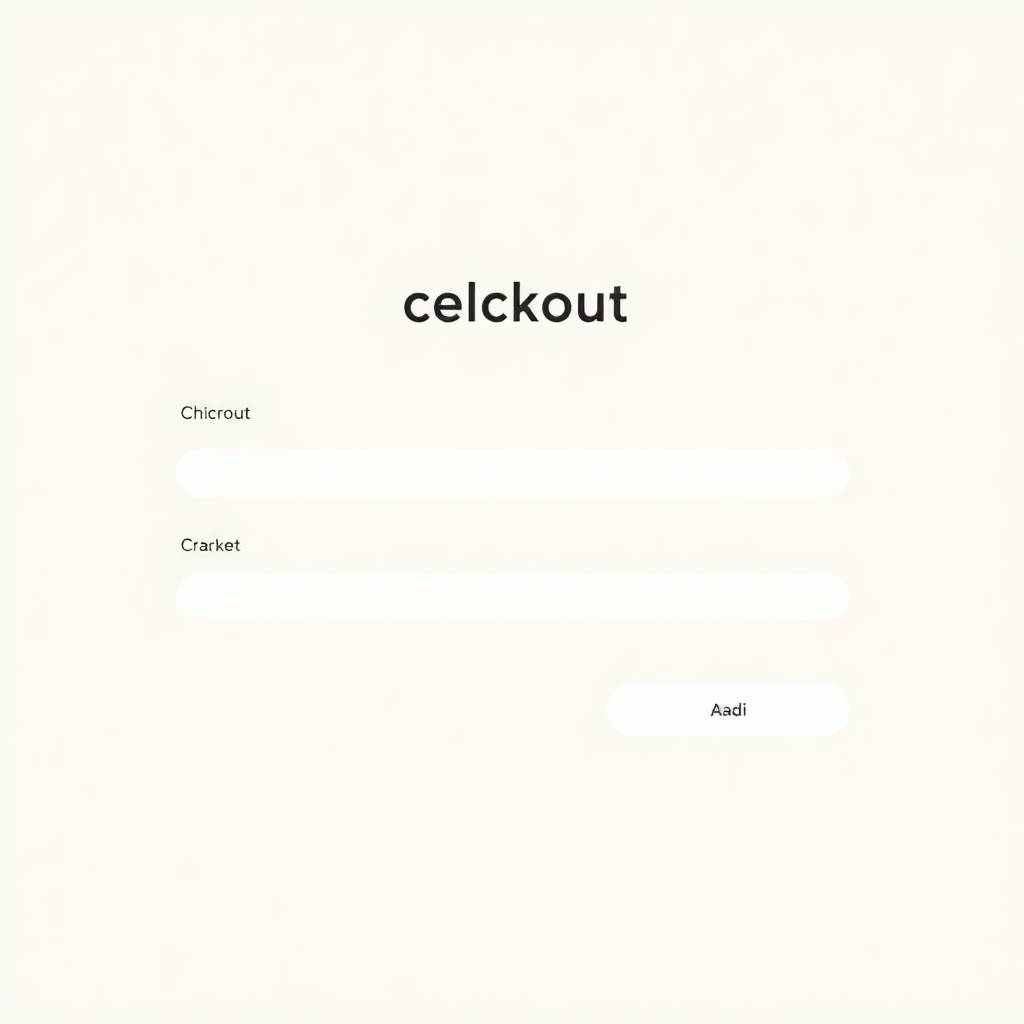
A seamless, low-friction checkout process that feels conversational rather than transactional. Soft confirmations and gentle micro-animations reduce purchase anxiety.

  • Conversational UI
  • Calming visual feedback
Clean minimal checkout UI screen, soft beige background, rounded input fields, elegant typography
Process

User Flow

User flow: Enter VR → Add items to cart → Start → Browse store → Get product → Checkout → Confirm order

Lifestyle photography of person using app happily in warm living room setting
Drafting

Low-Fidelity Screens

Low-Fidelity Screen 1

Increased Confidence

Users reported a 45% increase in purchase confidence due to spatial context.

Low-Fidelity Screen 2

Extended Engagement

Average session time doubled as users enjoyed the playful discovery process.

Feedback

Usability Testing

Testing with 4 users revealed critical insights that shaped the final product:

Positive

  • • Easy to understand
  • • Fun experience

Improvements

  • • Clearer navigation buttons
  • • Simplified spatial layout
Usability testing in action
Final Polish

High-Fidelity Design

High-Fidelity Screen 1

Visual Clarity

Enhanced spatial rendering for better product context.

High-Fidelity Screen 2

Micro-Interactions

Smooth transitions during the browsing phase.

High-Fidelity Screen 3

Intuitive Mapping

Real-time AR overlay for item discovery.

High-Fidelity Screen 4

Seamless Checkout

Conversational payment flow for reduced friction.